A rounded transition
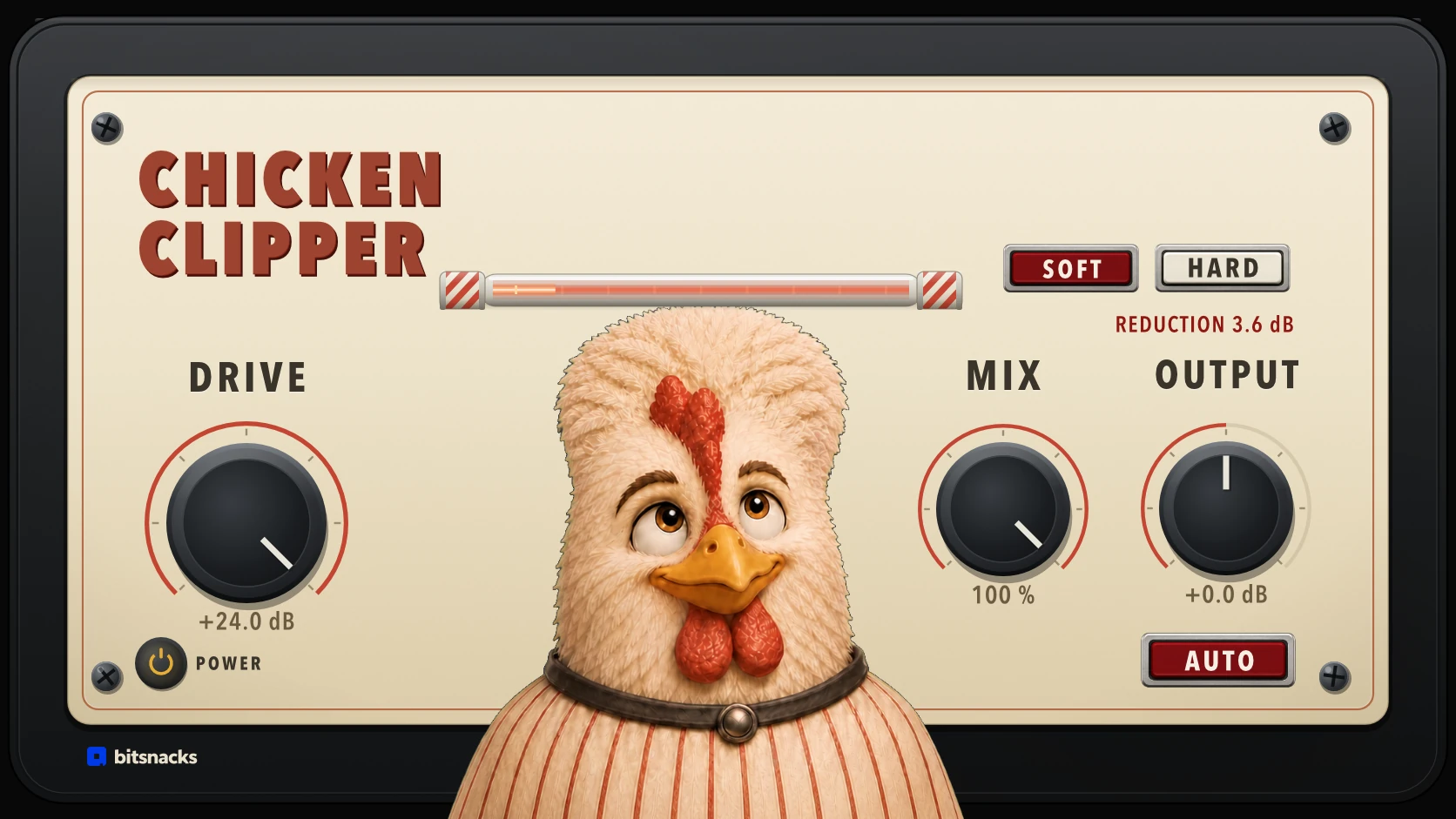
Soft bends into the boundary. It suits dense material that needs added saturation and controlled peaks while retaining a gentler onset.
MACOS TRIAL · FOCUSED PEAK SHAPER
Chicken Clipper puts six controls around one job: turning peaks into a sound you can place. Add Drive, choose the rounded Soft curve or the firmer Hard boundary, set the processed level with Auto and Output, then blend it with Mix.
Available to beta testers. On sale soon. Payments will be enabled soon.
SOFT OR HARD
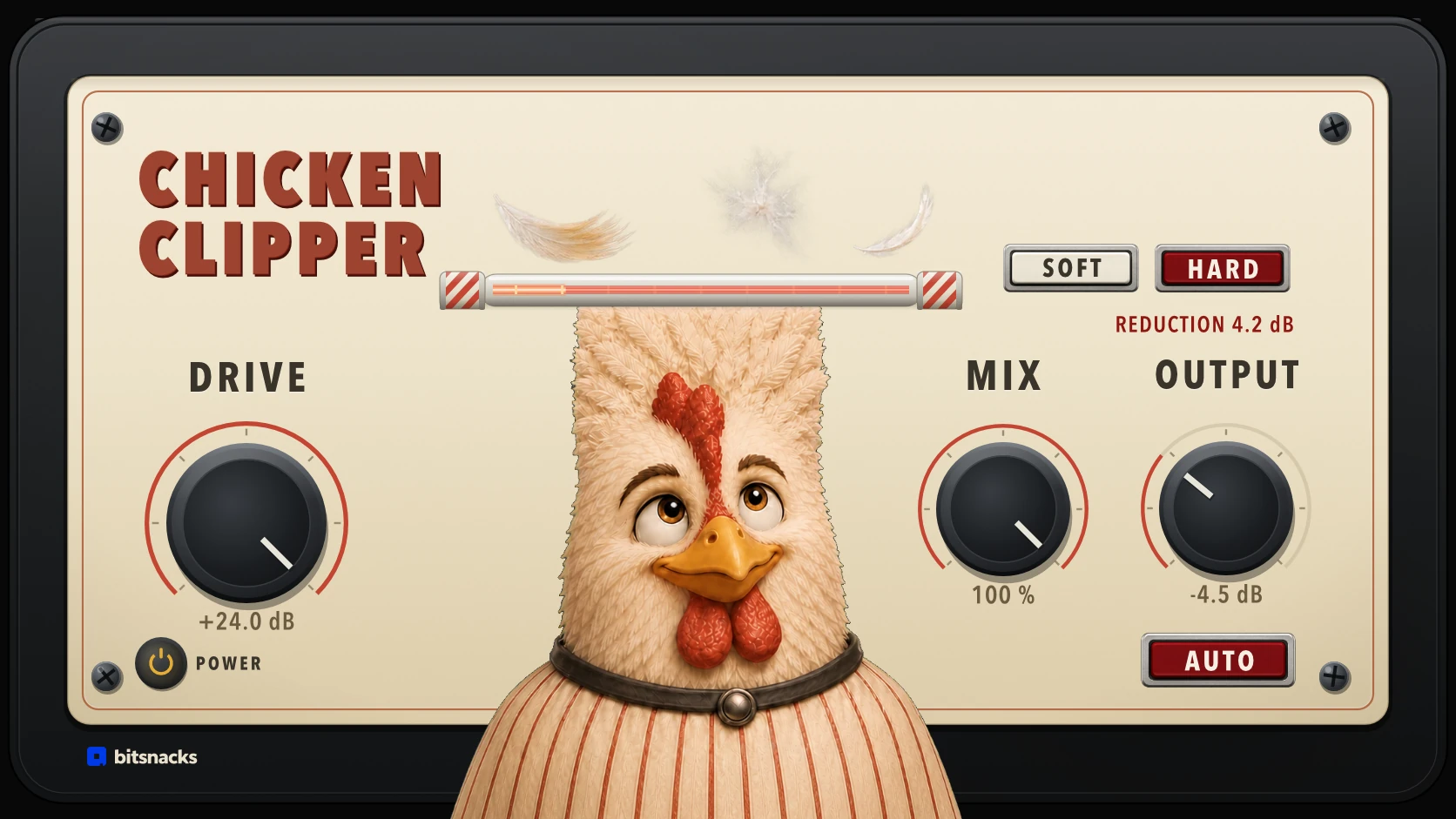
Shape changes how clipping begins. The selection stays visible in the switch and in the feather silhouette at the clipping guide.
Soft bends into the boundary. It suits dense material that needs added saturation and controlled peaks while retaining a gentler onset.
Hard meets the shaping boundary abruptly. The square feather line and brief clipped-feather motion make sustained reduction easy to spot.
OUTPUT PROTECTION
In Chicken Clipper 0.1.5, Soft and Hard share the same sample ceiling. The ceiling applies while processing is active. With Power on, 100 percent Mix and Output at 0 dB, settled output samples stay at or below 0 dBFS.
Positive Output raises that ceiling, and a dry blend can restore the original peaks. Reconstructed true peaks need separate metering.
Understand output peaks →ONE SURFACE
Raise the level into the shaping curve across a 0 to +24 dB range. The value is shown in decibels.
Choose Soft or Hard. Host automation uses the same two named states.
Blend the latency-aligned dry and processed paths across 0 to 100 percent.
Compensate Drive by the same number of decibels, including during automation.
Trim the processed signal across -12 to +12 dB before Mix. This control stays available with Auto active.
Compare the complete effect through a compensated dry path while every saved setting stays in place.
LIVE VISUAL FEEDBACK
Turn Drive and the chicken rises toward the fixed guide. At contact, the crown changes to the chosen Soft or Hard treatment. Live peak reduction lights the barber line and, in Hard, sends feathers flying.
Saved Drive positions return when you reopen a project. Meter activity follows the audio as it plays.
Try the visual simulation →14-DAY TRIAL · PLANNED €29 / $29
Bitsnacks Vending Machine installs Chicken Clipper and its device licence on your Mac. Your account shows the trial terms before you begin.